


Android device management
“The ease of navigating the interface, even when working with more advanced Android management features.”
IT Associate · Healthcare and Biotech 5.0 ·
Read the IT Associate review on Gartner Peer Insights Deploy apps, apply security policies and support Android and PICO VR devices remotely. Ask AI agents which devices stopped reporting or why a policy won't sync. You decide what they can do.
Free up to 10 devices. Works with and
For agents
In good company. Across industries.


One workspace. The whole workflow.
Give each team the apps and settings its devices need. Reuse policies to keep configuration consistent as you add devices and locations.
01Enroll
Choose an enrollment path that fits your hardware and ownership model.
02Configure
Bring Google Play, APKs, and web apps into the policies behind your devices.
03Focus
Create a focused kiosk experience with your apps, layout, and branding.
 Nomid
Nomid Set up shared Android devices for our warehouse team.
ASK NOMID
Find devices, understand issues and draft device settings with AI built into Nomid. Start with a question or describe what you need, then review the suggestion.
“Show devices that haven’t checked in for seven days.” Review the suggested filter, then apply it.
Ask questions with the context of your device or policy already in view.
Available AI features depend on your workspace and permissions.
Manage & support
Find devices that have stopped checking in, inspect their setup and open the support tools available for each device.
Check when a device last synced, inspect its reported status and review its assigned policy.
Explore the fleetOpen remote access or send a command when supported by the device, policy and your permissions.
Explore remote supportUse dashboard views and reports to follow activity across your managed devices.
Explore analyticsGARTNER PEER INSIGHTS
Android device management
“The ease of navigating the interface, even when working with more advanced Android management features.”


4.7 / 5
Based on 17 ratings.
Built around the work

Logistics
Keep rugged Android handhelds focused on scanning and delivery apps.
Explore Logistics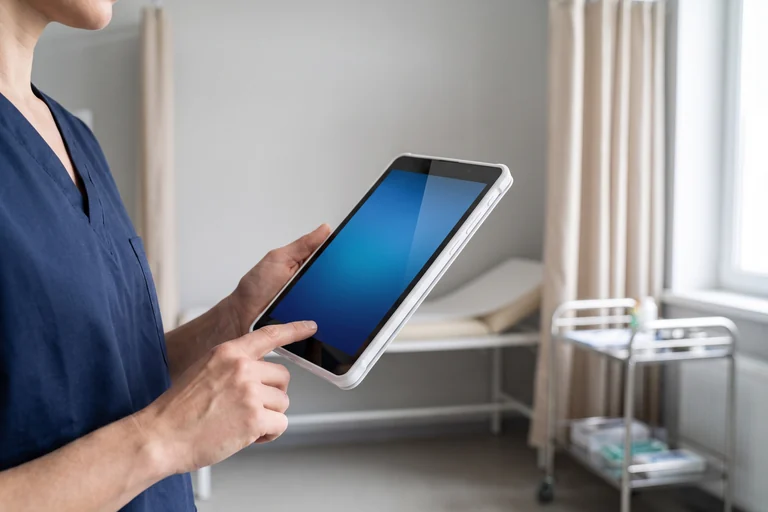
Healthcare
Set up shared devices with the approved apps and network settings care teams need.
Explore Healthcare
Retail
Configure store tablets and kiosks for customer-facing apps.
Explore Retail
Education
Give classroom tablets access to the apps each lesson needs.
Explore Education
Shared devices
Choose the apps and launcher experience for each shared-device role.
Explore Shared devices
PICO VR
Manage apps, content and launcher settings on supported PICO headsets.
Explore PICO VRPart of your IT toolkit
Build on Android’s management foundations. Connect device management to the tools and reporting your team relies on.

Keep exploring
Ideas and guidance for the teams managing mobile devices.
Read the blogExplore Nomid materials for your next device deployment.
Explore the guidesGet started with the developer documentation and API.
Explore developer docsA few useful answers
Have a deployment in mind?
We can help you find the right setup.
Nomid is mobile device management (MDM) software for IT teams managing Android phones, tablets and rugged devices used at work. Supported PICO headsets can also be managed. Your device model and ownership mode determine the available setup and controls.
Yes. The enrollment flow includes full management for company-owned Android devices and work profiles for personal devices. Choose the path that matches your deployment.
Yes. Configure kiosk and launcher settings alongside the apps in your policy. Start with your intended use case, then test the experience on a representative device.
Start with the device information in Nomid and open the available remote-access tools. Remote access depends on the device, its policy configuration, and your permissions.
Yes. Nomid’s Free plan has no time limit and supports up to 10 devices. Remote access and API access are not included. Connecting AI agents such as Claude and ChatGPT is included.
Create an account, prepare a policy and enroll a representative test device. Check your apps, security settings and support workflow before expanding to more devices. Bring your device models and rollout questions to a demo if you would like help choosing the setup.
Plan the move around your current management setup, device models and business apps. Some enrollment paths require a factory reset, so confirm backup and re-enrollment requirements before moving devices. Test the setup on a representative device before a wider rollout.
Book a demo to discuss your device models, apps and management requirements with the Nomid team. The help center covers setup and everyday management; the pricing page explains the support included in each plan.
Explore Nomid with your own devices, or plan your deployment with our team.
